Permissions
Important: People Portal's permissions for teams are strictly by subteam. Enabling a permission for the "Engineering" subteam does not enable it for "Leadership" or any other subteam. This allows for fine-grained control over which parts of your project team have access to specific external resources.
Subteam Permissions
People Portals permissions work by subteam. You can configure access to Recruitment, App Dev Git, Apple, etc for a given team.
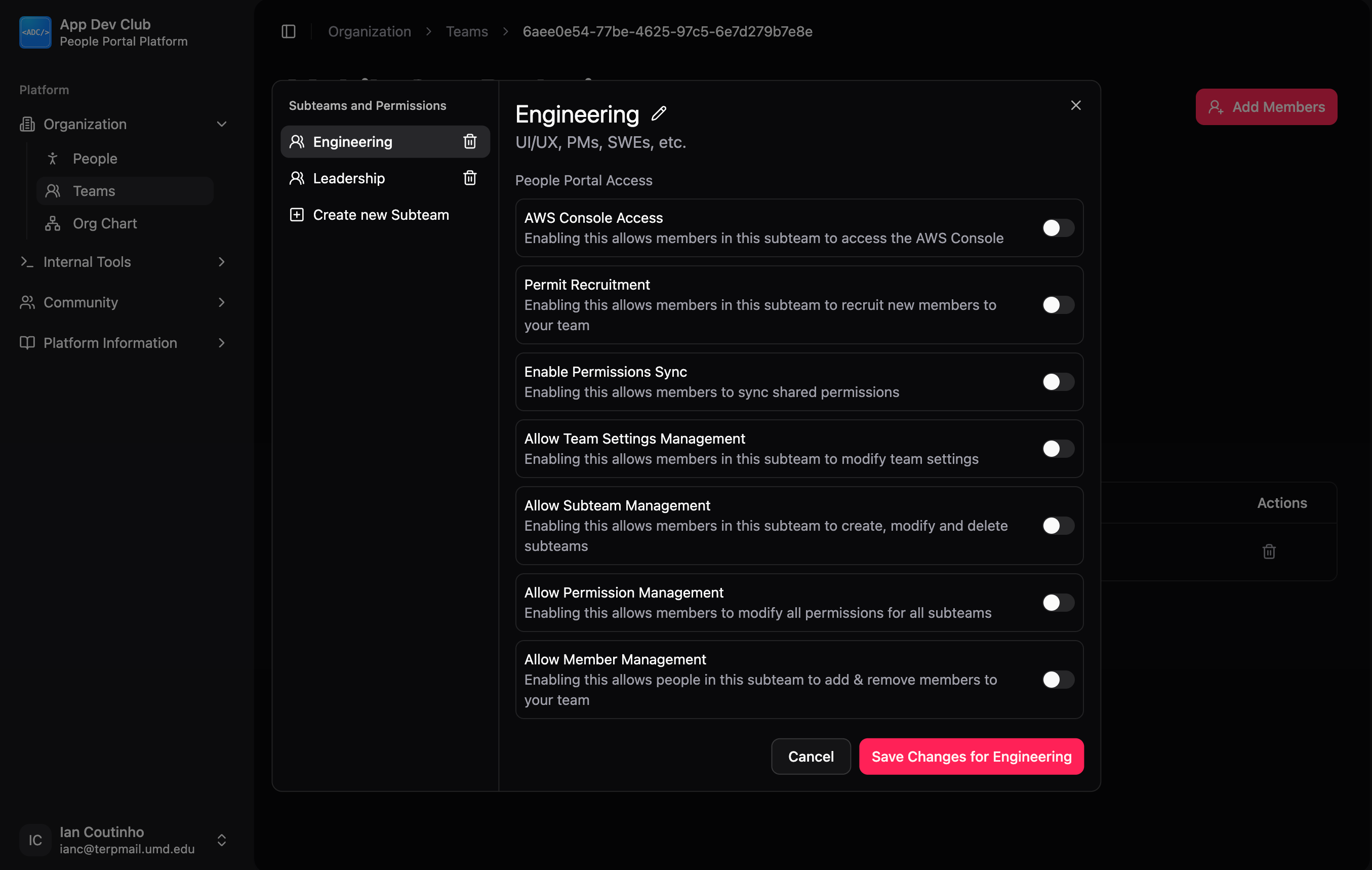
To manage what the members of a subteam can do within your team (e.g. creating repos in App Dev Git, accessing AWS), click Manage Subteams from the Team Dashboard and select the subteam that you want to edit permissions for.
The toggles you see allow you to grant specific functional powers (like managing members or accessing AWS) for a particular subteam.
After toggling the options to your liking, click Save Changes.
Sync Permissions
When you make changes to team members, these changes are not immediately applied to external services like Slack or App Dev Git. To apply your changes, click the Sync Shared Permissions button on the Team Dashboard.
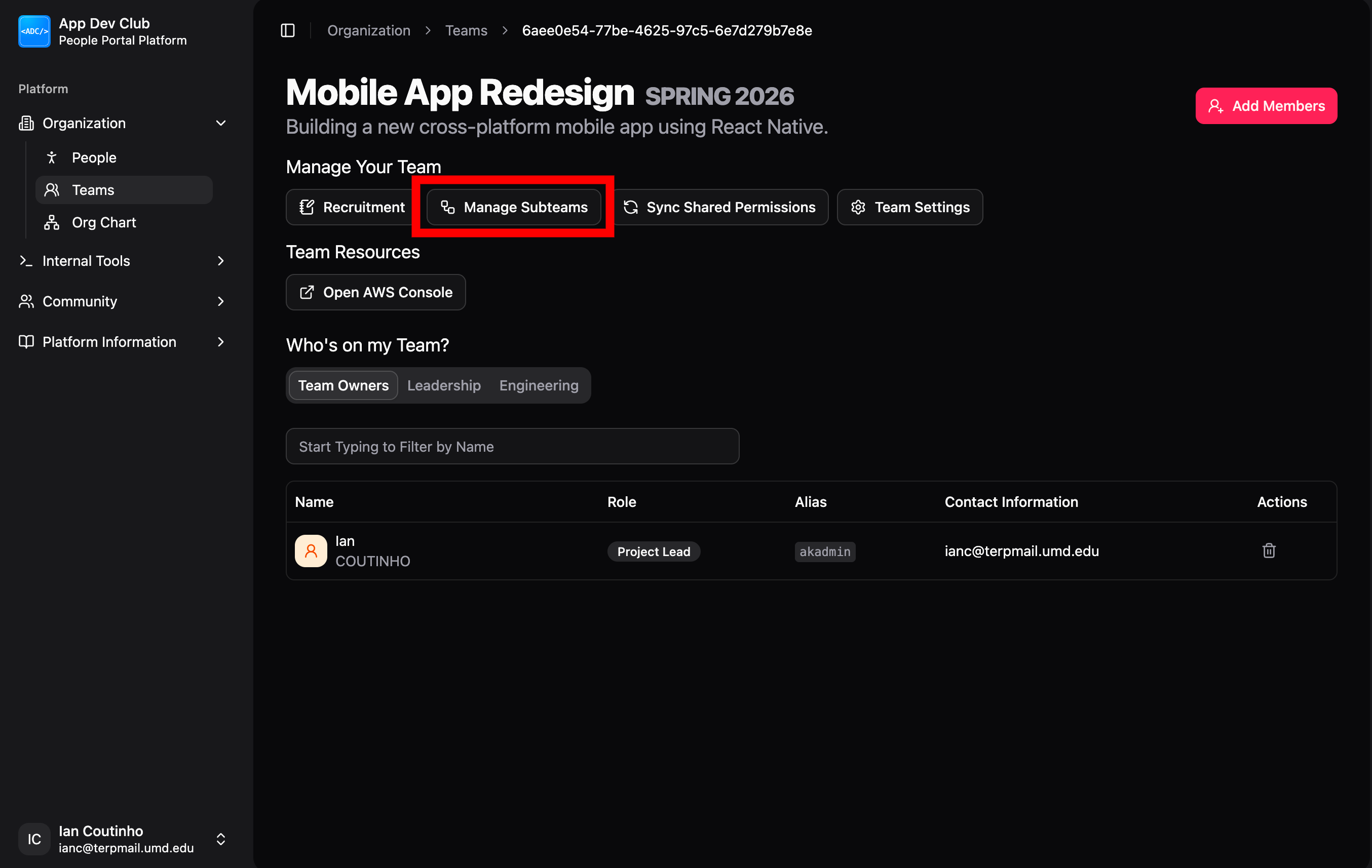
This button triggers the People Portal to:
- Connect to all configured external services (e.g. App Dev Git, Slack, AWS).
- Update membership lists (adding new members, removing old ones) in those services.
- Apply the specific permission levels mandated by your subteam configuration.
You must click this button whenever you add members to ensure those changes take effect in your external tools.