Main Team Settings
This page covers how to manage general settings for your team.
When a Project Team is first created, a Friendly Name is generated based on the initial Team Name. This is the name that is shown across the People Portal when referring to your Project Team.
Editing the Team Name does NOT change the Shared Resources ID.
External services integrated with the People Portal rely on the Shared Resources ID to identify the team. This means that if you rename your team:
- Slack Channels: The names of existing Slack channels associated with the team will not change.
- App Dev Git Organization: The organization name/URL in App Dev Git will not change.
- AWS Resources: The names of your team's AWS accounts/resources will not change.
This behavior ensures that Shared Resource Client integrations (such as Slack and App Dev Git) do not break even if a team updates its display title.
Changing Team Details
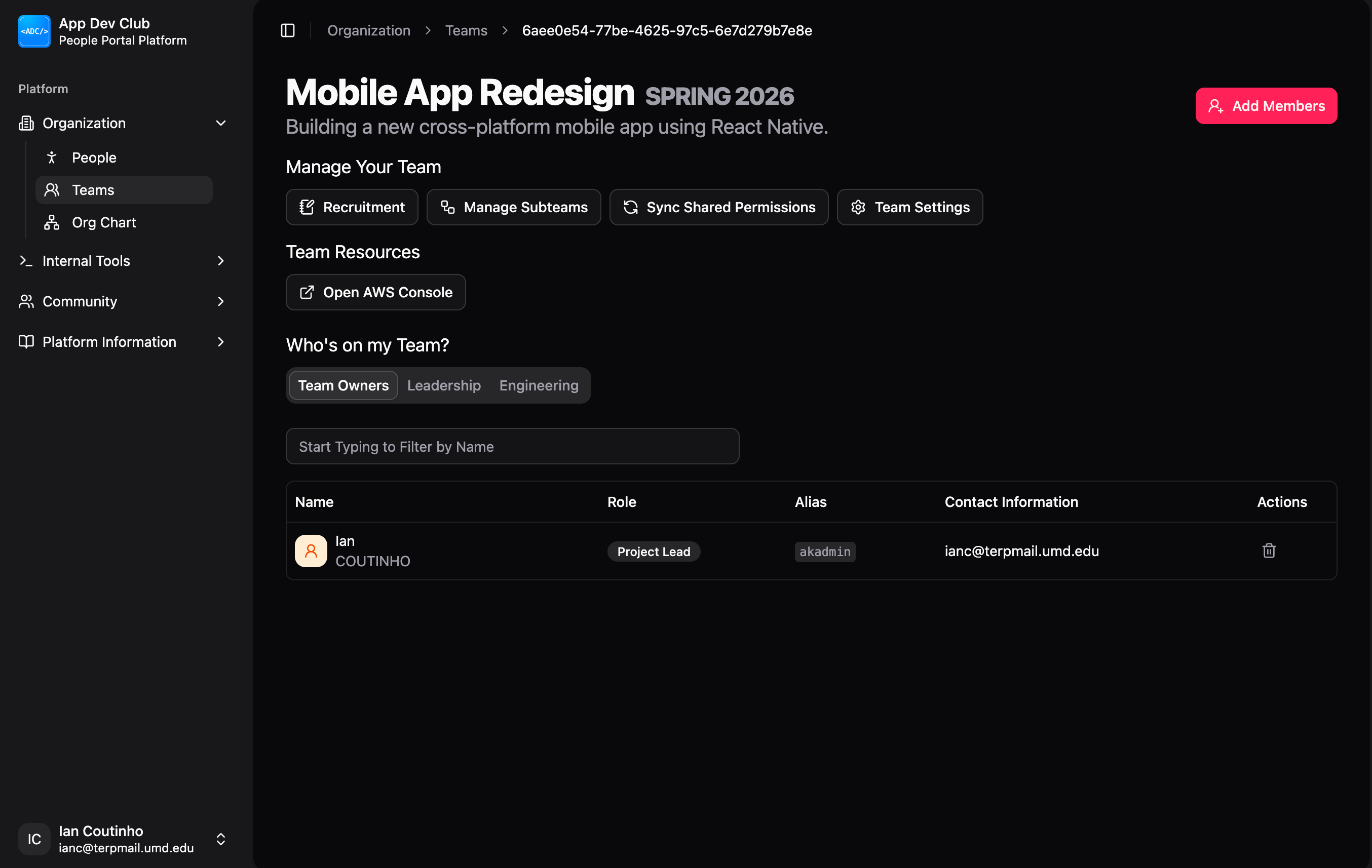
To update your Project Team's core information, go to Organization > Teams, select your team, click on Settings, and finally click Edit Details. You will be able to change the following.
- Team Name: The display name of your team as it appears throughout the People Portal UI.
- Team Description: A brief summary of the team's mission, stack, or scope.
AWS Account Provisioning
In the Team Settings section, you will find a toggle to Provision AWS Account.
- What it does: When enabled, the People Portal automatically creates a dedicated AWS account for your Project Team. This account is isolated from other teams and comes with an initial budget limit.
- Access: Once provisioned, members can access your AWS environment via the AWS Console button on your team's dashboard (managed through the Bindle permission system).